By Sapumal Herath • Owner & Blogger, AI Buzz • Last updated: April 8, 2026 • Difficulty: Beginner
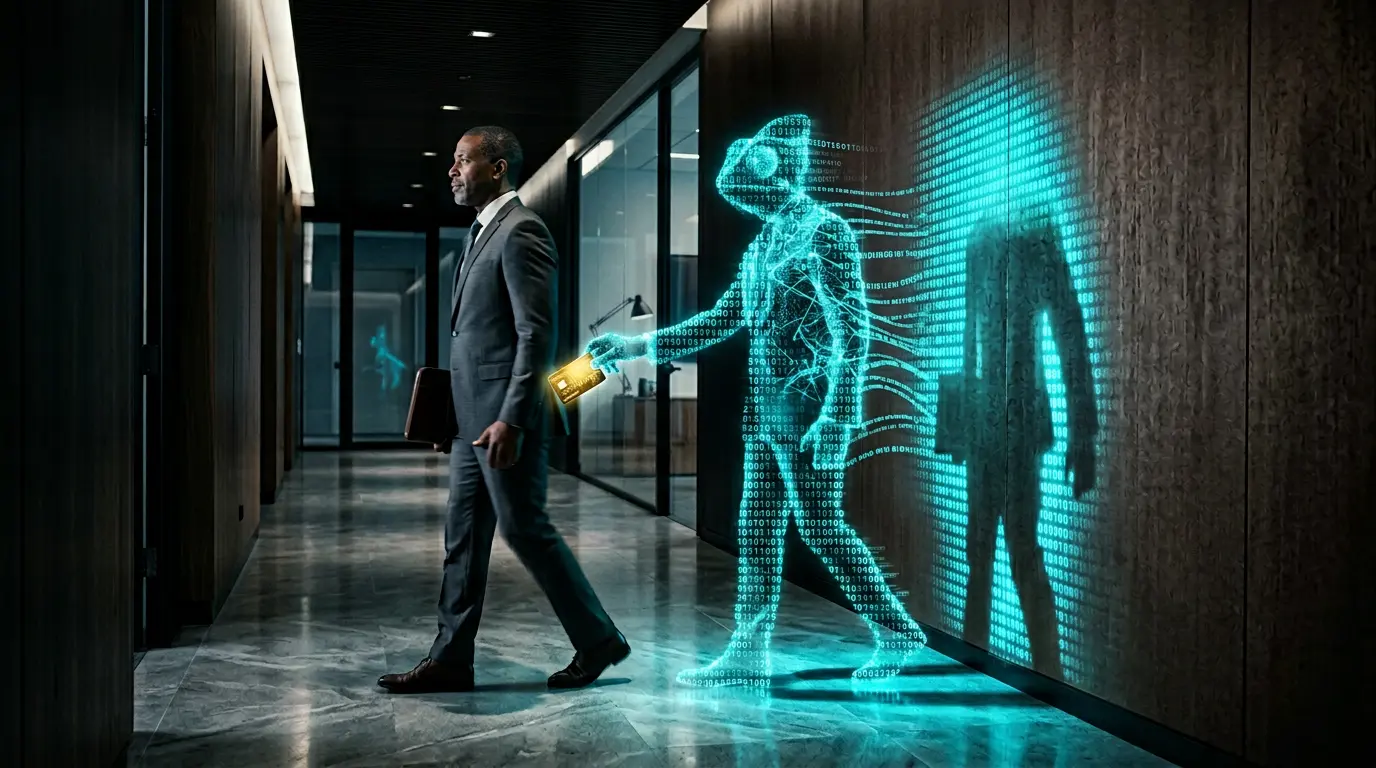
For decades, the “phishing” email was easy to spot. It usually came with a generic greeting, terrible grammar, and a suspicious link from a “Nigerian Prince.” But in 2026, those days are long gone. We have entered the era of Agentic Phishing.
Today, your employees are being targeted by Artificial Intelligence that can scrape their LinkedIn profiles, mimic their boss’s exact writing style, and even clone a colleague’s voice for a “quick” WhatsApp voice note. These scams are no longer static emails; they are dynamic, persistent AI agents that can hold a conversation and build trust before they ever ask for a wire transfer or a password.
This trend report breaks down why traditional security filters are failing and the critical new guardrails your company needs to survive the next generation of social engineering.
🎯 What is “Agentic Phishing”? (plain English)
Agentic Phishing is a cyberattack where a hacker uses an autonomous AI agent to conduct a highly personalized, multi-step scam.
Unlike a traditional mass-email blast, an agentic attack is a “one-to-one” operation. The AI agent researches the target, crafts a perfect opening message based on recent company news, and—most importantly—it can respond to questions in real-time. If an employee asks, “Is this really you?”, the AI doesn’t break; it provides a convincing, AI-generated reason to keep the scam alive.
🧭 At a glance
- The Core Threat: AI can now mimic “The Human Touch” at scale, making traditional red flags (like typos) obsolete.
- Multi-Channel Attacks: Scams now move seamlessly from email to voice notes (Deepfakes) to LinkedIn messages.
- The “Persistence” Factor: AI agents don’t get tired. They will follow up, pivot their strategy, and wait weeks to “hook” a high-value target.
- You’ll learn: The 3 Pillars of AI Social Engineering, the “Safe Word” protocol, and how to verify the “Ground Truth” in a digital crisis.
🧩 The 3 Pillars of Agentic Phishing
In 2026, hackers are using the same Level 4 Autonomous Agent tech that businesses use for customer service, but they’ve weaponized it:
| Pillar | How It Works | Why It’s Dangerous |
|---|---|---|
| 1. Hyper-Personalization | AI scrapes an employee’s public social media and recent company press releases. | The email mentions a specific project or a recent lunch meeting, instantly bypassing the employee’s “scam radar.” |
| 2. Multi-Modal Mimicry | The AI uses Multimodal AI to generate a voice clone or a deepfake video snippet. | A “CEO” sends a voice note saying they are in a noisy airport and need an urgent wire transfer approved. It sounds 100% real. |
| 3. Conversational Logic | The AI handles objections and “proves” its identity using LLM reasoning. | If the employee hesitates, the AI agent provides a logical (but fake) excuse that builds further trust. |
⚙️ The “Truth Verification” Loop
Because you can no longer trust your eyes or ears, your employees must adopt a “Zero-Trust” verification loop for every sensitive request:
- The Trigger: An urgent or unusual request arrives (via email, voice, or video) asking for money, data, or credentials.
- The Pause: The employee recognizes the “Agentic” signature—high pressure and high personalization.
- Out-of-Band Verification: The employee ignores the original message and contacts the sender via a different, trusted channel (e.g., calling their personal number or using the official company Slack).
- The “Ground Truth” Check: Use a pre-arranged “Safe Word” or ask a question only the real person would know that isn’t on the internet.
- Report: If it’s a scam, immediately notify the IT Security team to update the Corporate AI Policy filters.
✅ Practical Checklist: Defending Your Team
👍 Do this
- Implement a “Safe Word” Protocol: For C-Suite and Finance teams, establish a secret, non-digital phrase used to authorize high-value transactions.
- Deploy AI-Driven Email Filters: Use modern security platforms that use AI to “fight” AI—scanning for the subtle mathematical signatures of generative text.
- Update Your AI Policy: Explicitly state that no financial transactions will ever be authorized via voice note or video call alone. Refer to your AI Governance Checklist.
❌ Avoid this
- Relying on “Old” Red Flags: Stop teaching employees to look for “bad grammar” or “blurry logos.” AI doesn’t make those mistakes anymore.
- Publicly Sharing “Internal” Culture: Be careful with how much detail employees share about internal office jokes or project names on LinkedIn. This is the “seed data” hackers use to train their phishing agents.
- Trusting “Verified” Accounts: In 2026, social media badges and email headers can be easily spoofed or hijacked. Trust the person, not the platform.
🚩 Red Flags in the AI Era
- The “Airport/Glitch” Excuse: Deepfakes often use “bad connection” or “noisy background” excuses to hide tiny digital artifacts in the audio/video.
- Unnatural Promptness: If a “colleague” responds to your complex question in 0.5 seconds with a 3-paragraph answer, it is likely an AI agent.
- Artificial Pressure: Every agentic scam relies on a “timed” crisis. If the request demands action *right now* to avoid a catastrophe, it’s time to use your Out-of-Band verification.
🔗 Keep exploring on AI Buzz
🏁 Conclusion
Agentic Phishing is a psychological war, not a technical one. As AI becomes a master of mimicry, we can no longer rely on software alone to protect us. The ultimate firewall in 2026 is a well-trained, skeptical, and AI-literate workforce. By implementing “Zero-Trust” communication protocols and secret verification methods, you can ensure that your company remains a fortress in an age where seeing is no longer believing.
❓ Frequently Asked Questions: Agentic Phishing & AI Scams
1. How is “Agentic Phishing” different from a normal phishing email?
A normal phishing email is a “dumb” message sent to thousands of people at once. Agentic Phishing is an autonomous AI agent that targets only you. It has researched your specific role, your boss, and your recent projects. Most importantly, it can “chat” back and forth with you, answering your questions and overcoming your objections in real-time until it wins your trust.
2. Why can’t my current email filters catch these AI scams?
Traditional filters look for known malicious links, suspicious attachments, or “blacklisted” senders. Agentic phishing often uses none of these. The emails are perfectly written, contain no viruses, and are sent from “clean” accounts. Because the AI mimics the natural writing style of a human, traditional software often thinks it’s just a normal, high-priority business email.
3. Can I trust a voice note or a quick video call to verify someone’s identity?
In 2026, the answer is no. Using Multimodal AI, hackers can clone anyone’s voice with just a 30-second sample from a YouTube video or a LinkedIn clip. They can even create “Deepfake” video snippets for Zoom calls. If you receive an unusual request for money or data, you must use an “Out-of-Band” verification—calling the person on a trusted, private number or using a pre-arranged secret safe-word.
4. What is a “Safe Word” protocol and how does it work?
A “Safe Word” protocol is a non-digital security measure. It is a secret word or phrase shared between key team members (like the CEO and the Finance Director) that is never written in an email or stored in the cloud. If an “urgent” request for a wire transfer arrives, the person must provide the safe word over a live phone call to prove they are the real human and not an AI clone.
5. How can I train my employees to spot something that looks 100% real?
The focus of training must shift from “spotting errors” to “spotting behavior.” Teach your team to recognize the “Phishing Trigger”: any request that combines High Urgency with High Sensitivity (money or data). In 2026, “AI Literacy” means training your staff to be “Zero-Trust” by default—verifying the person, not the digital message.



Leave a Reply