
By Sapumal Herath • Owner & Blogger, AI Buzz • Last updated: March 10, 2026 • Difficulty: Beginner
“AI understands me” is a common feeling… right up until you upload a photo and it confidently describes something that isn’t there, or you ask it to summarize a meeting and it misses the one decision that mattered.
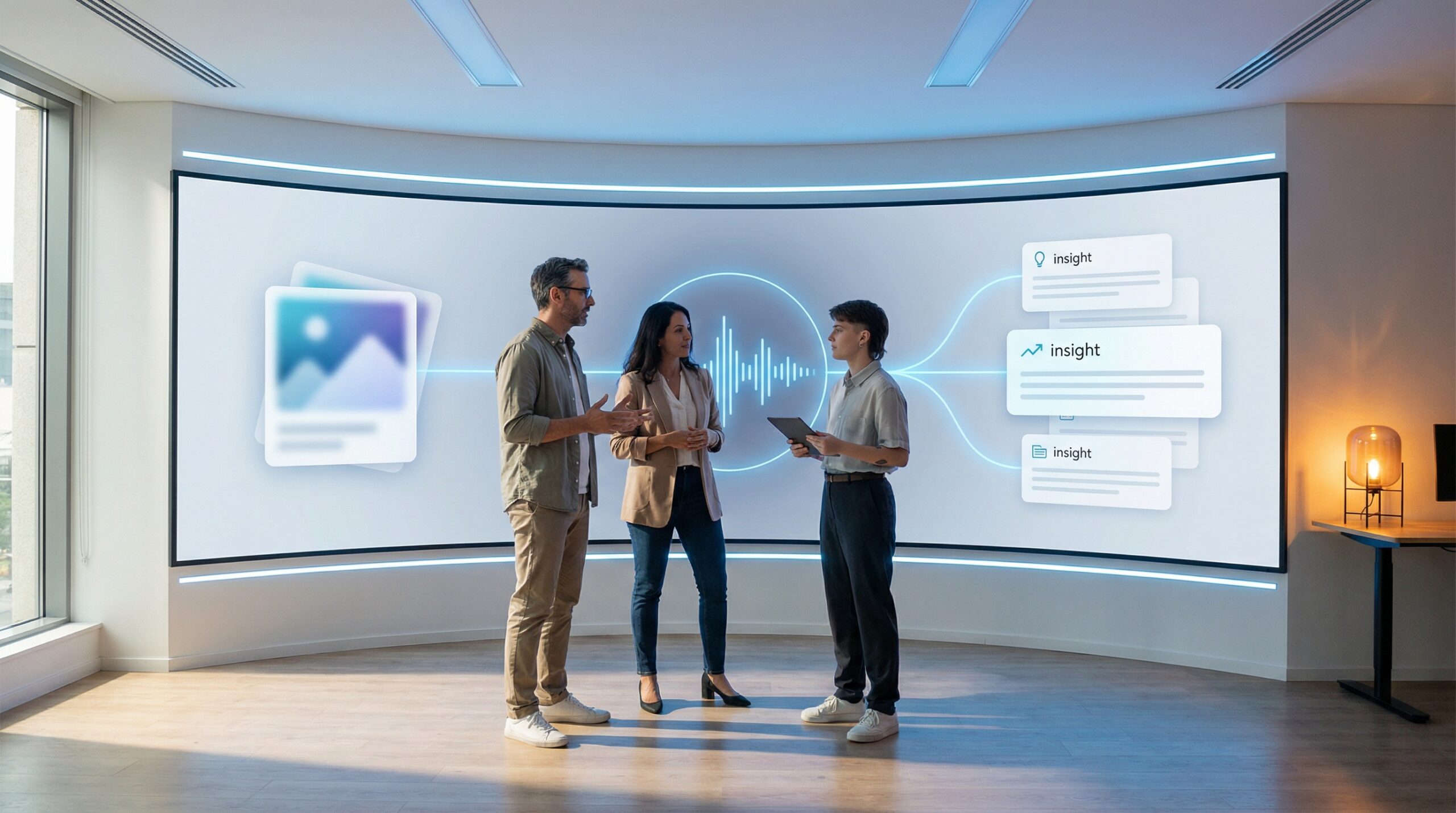
That gap happens because multimodal AI is powerful—but it’s not magic. It’s a system that can work with multiple types of input (text, images, audio, video) and produce multiple types of output (text, images, audio).
This guide explains multimodal AI in plain English, where it shines, where it fails, and the practical safety rules that prevent privacy leaks, deepfake confusion, and “confident nonsense.”
Note: This article is for educational purposes only. It is not legal, security, or compliance advice. Always follow your organization’s policies—especially when images/audio include personal, customer, student, or patient data.
🎯 What is Multimodal AI? (plain English)
Multimodal AI means an AI system that can work with more than one “mode” of information—like text + images, or text + audio, or all of them together.
In practical terms, it enables workflows like:
- “Here’s a screenshot — what error is this?”
- “Here’s a photo — what’s damaged?”
- “Here’s a call recording — summarize and draft a follow-up email.”
- “Here’s a slide deck — turn this into a 1-page brief.”
Multimodal AI is the step from “chatbot” to “assistant that can look and listen.” That’s why it’s useful—and why the risks get bigger.
🧭 At a glance
- What it is: AI that can understand and generate across text, images, audio (and sometimes video).
- Why it matters: It unlocks real workflows: support, accessibility, analysis, documentation, and creative production.
- Biggest misconception: “If it can see/hear, it must be correct.” (No—multimodal models still hallucinate.)
- Biggest risk: Privacy leaks (screenshots, faces, IDs), and deepfake confusion.
- You’ll learn: A simple framework, common use cases, and a copy/paste safety checklist.
🧩 The simple framework: See / Hear / Speak / Act
Multimodal talk gets confusing fast. Use this 4-part mental model instead:
| Mode | What it does | Great for | Common failure |
|---|---|---|---|
| See (images/screens) | Describes what’s in a photo/screenshot | UI help, damage checks, document reading | Over-confident visual claims (“it says X” when text is blurry) |
| Hear (audio) | Transcribes + summarizes speech | Meeting notes, call summaries, accessibility | Missing key decisions, mis-hearing names/numbers |
| Speak (voice output) | Turns text into natural speech | Assistants, language practice, support | Sounding authoritative even when wrong |
| Act (tools/agents) | Uses tools to do tasks (tickets, emails, files) | Automation with guardrails | Excessive agency (taking action without approval) |
Practical takeaway: The biggest wins come from “See + Explain” and “Hear + Summarize” — with humans approving anything that gets sent, posted, or executed.
⚙️ How multimodal AI works (in 6 steps)
- You provide input (text + image/audio/video).
- The system converts it into signals the model can use (think: “turning pixels/sound into patterns”).
- The model predicts the best next output based on what it has seen/heard + your instruction.
- It generates an answer (text, or sometimes speech/image).
- Safety filters and policies apply (to reduce disallowed content and obvious harm).
- You (ideally) verify critical claims and approve any high-impact actions.
Multimodal models can feel “human,” but they still produce outputs by prediction. That’s why they can be fluent and still be wrong.
🏆 Where multimodal AI is genuinely useful (real-world use cases)
1) Customer support (screenshots → faster fixes)
- Explain an error message from a screenshot
- Guide users through settings changes
- Draft a response that a human agent reviews
2) Operations (photos → checklists)
- Identify missing steps in a setup photo
- Turn a whiteboard photo into a structured plan
- Extract action items from a meeting recording
3) Accessibility & learning
- Describe images for low-vision users
- Live captions + summaries for meetings
- Language practice with voice
4) Content workflows (with strong disclosure)
- Create drafts, storyboards, or thumbnails (human-edited)
- Turn interviews into articles (fact-checked)
- Repurpose content across formats
🚨 The risks that matter (and what people get wrong)
Risk #1: “Screenshot leakage” (accidental privacy breach)
Screenshots often contain more than you think: names, emails, internal URLs, ticket numbers, customer data, access tokens, addresses, faces, kids, medical details.
Risk #2: Deepfakes and false confidence
Voice and image generation make it easier to create convincing fake content. The danger is less “AI can generate a fake” and more “people trust it because it looks/sounds real.”
Risk #3: Visual hallucinations
Models can misread blurry text, assume objects exist, or “fill in” missing details. If you’re using it for decisions, require confirmation.
Risk #4: Prompt injection via documents/images
Untrusted content can include instructions (“ignore previous instructions…”) embedded in text, documents, or even images. This matters most when the model can use tools or take actions.
✅ Multimodal safety checklist (copy/paste)
🔐 A) Before you upload any image/audio
- Assume it contains sensitive data until you verify it doesn’t.
- Crop aggressively (only the relevant area).
- Blur/redact names, faces, emails, IDs, addresses, internal URLs, QR codes, barcodes.
- Don’t upload secrets (API keys, tokens, credentials, private links).
- Get consent if people are identifiable (especially in audio/video).
🧠 B) How to prompt for reliability
- Force “Observation vs Inference”: “List what you can directly see/hear, then list what you’re guessing.”
- Ask for uncertainty: “If any text is unclear, say ‘unclear’ and don’t guess.”
- Require sources when possible (for doc-based workflows use RAG / approved references).
🧑⚖️ C) Human-in-the-loop rules
- Human review for anything customer-facing (emails, refunds, policy statements, medical/financial guidance).
- Approval gates before any tool action (send, post, delete, publish, merge).
- Audit logs for uploads and outputs in organizational use.
🧾 D) Disclosure & trust
- Label AI-generated content where appropriate (especially public-facing media).
- Keep “original files” and provenance metadata when you can.
- Never present AI output as a verified fact without checks.
🧪 Mini-labs (no-code)
Mini-lab 1: The “Observation vs Inference” photo test
Goal: make the model stop guessing.
Try this prompt:
- “Describe this image in two sections: (1) Observations (only what you can directly see), (2) Inferences (what you suspect but cannot confirm).”
- “If any text is blurry, write ‘unclear’ and do not guess.”
What good looks like: the model admits uncertainty and stops inventing details.
Mini-lab 2: The “safe meeting summary” audio workflow
Goal: summarize meetings without leaking sensitive content.
- Use a short internal recording (or a synthetic test clip).
- Ask for: “Decisions made / Action items / Risks / Open questions.”
- Add: “Do not include personal data, credentials, customer names, or private links.”
What good looks like: a clean summary that’s useful, but doesn’t turn transcripts into a data leak.
🚩 Red flags (when to slow down)
- The model claims to read tiny text from a blurry image with high confidence.
- It “recognizes” a person or makes identity claims.
- It recommends high-stakes actions (refund/deny/diagnose) without a human review step.
- Your workflow encourages uploading full screenshots by default (instead of cropped/redacted).
❓ FAQs: Multimodal AI for beginners
Is multimodal AI “smarter” than a normal chatbot?
It’s not automatically smarter — it’s more capable because it can use more inputs. But it can still hallucinate, and mistakes can be harder to notice because the output sounds confident.
Will multimodal AI replace designers, editors, or support teams?
It will reshape workflows. The best outcomes come when AI handles drafts and repetitive work, while humans own the final judgment, brand voice, and responsibility.
What’s the safest place to start?
Start with internal, low-risk workflows: summaries, drafts, checklists, and UI help—then expand carefully with approvals and logging.
🔗 Keep exploring on AI Buzz
🏁 Conclusion
Multimodal AI is the bridge from “chatbots” to assistants that can look and listen. That unlocks real productivity—especially in support, operations, and documentation.
But it also raises the stakes: screenshots leak, audio contains private data, and deepfakes confuse trust. The winning approach is simple: crop and redact, force uncertainty, keep humans in the loop, and disclose where it matters.



Leave a Reply