
By Sapumal Herath • Owner & Blogger, AI Buzz • Last updated: March 9, 2026 • Difficulty: Beginner
If you are building an AI tool or just adopting one for your business, you face one massive decision immediately: “Do we rent a model, or do we run our own?”
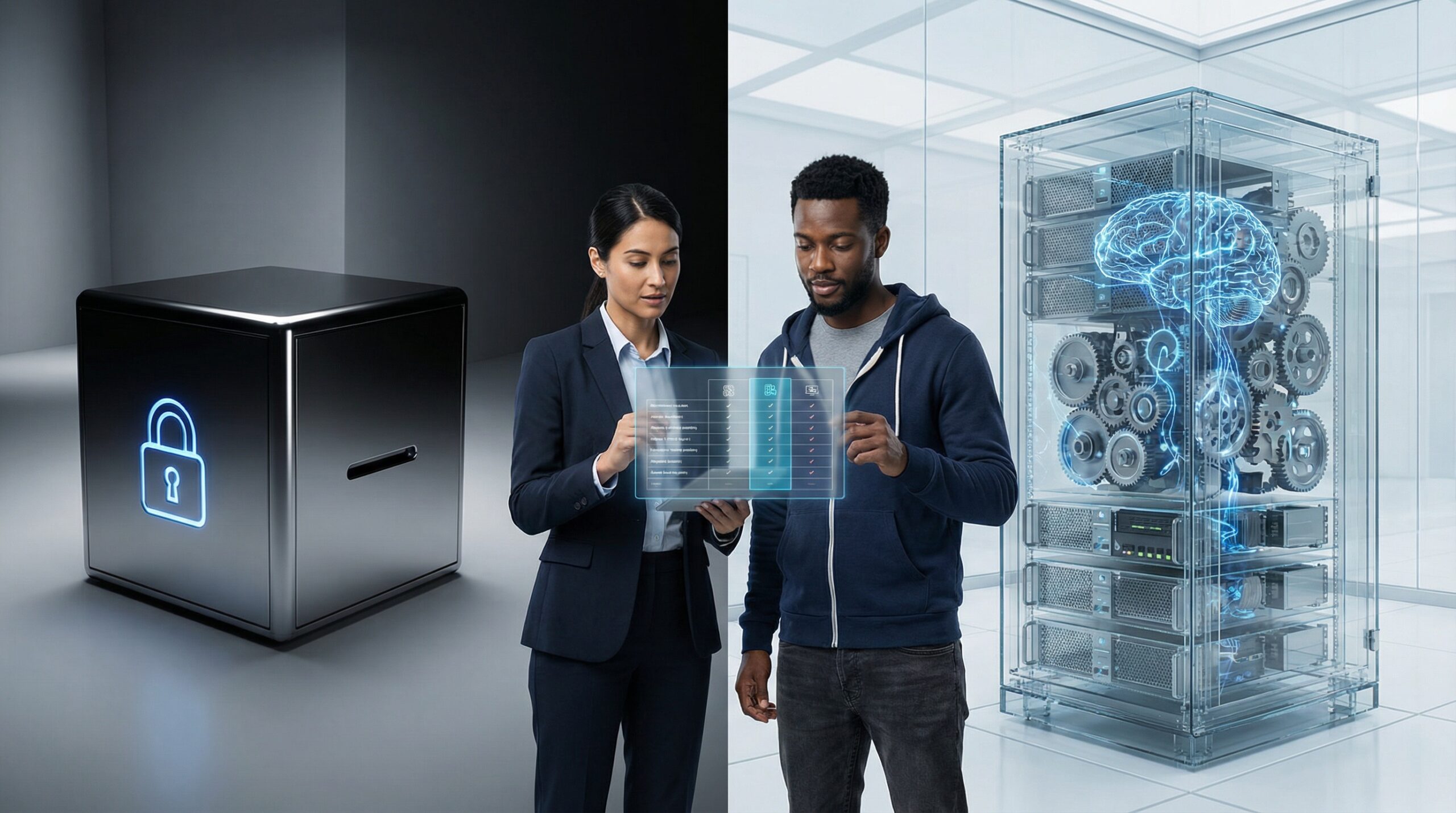
On one side, you have Closed Source giants like OpenAI (GPT-4) and Anthropic (Claude). They are easy to use but act as “black boxes”—you send your data in, and you trust them not to misuse it.
On the other side, you have Open Source (or Open Weights) models like Meta’s Llama, Mistral, and DeepSeek. You can download them, inspect them, and run them on your own servers. They offer total privacy, but they require technical skill to manage.
This guide explains the trade-offs in plain English so you can choose the right path for your data and your budget.
Note: This article is for educational purposes. “Open Source” in AI often means “Open Weights” (you can run the model) rather than full open source (you have the training data). Always check the specific license.
🎯 The Core Difference (Plain English)
Think of it like housing:
- Closed Source (The Hotel): You check in, use the room, and leave. It’s luxurious and zero-maintenance, but you can’t renovate the walls, and the staff has a key to your room. (Example: ChatGPT, Gemini).
- Open Source (The House You Buy): You get the keys and the blueprints. You can paint the walls, disconnect the internet, and lock the doors. But if the plumbing breaks, you have to fix it. (Example: Llama 3, Mistral, Falcon).
🧭 At a glance: The “Build vs. Buy” Decision
- Closed Source: Best for starting fast, prototyping, and generic tasks.
- Open Source: Best for strict data privacy, lower long-term costs (at scale), and full control.
- The biggest risk: Vendor Lock-in (Closed) vs. Infrastructure Complexity (Open).
- What you’ll learn: A side-by-side comparison, a cost reality check, and when to switch.
🧩 Comparison Framework: The 4 Pillars
Here is how they stack up on the things that matter most to a business:
| Feature | Closed Source (API) | Open Source (Self-Hosted) |
|---|---|---|
| Privacy | Low/Medium: Data leaves your servers. You rely on their policy. | High: Data never leaves your infrastructure. Ideal for healthcare/finance. |
| Setup Speed | Fast: Get an API key and start coding in 5 minutes. | Slow: Need to rent GPUs, set up Docker, and manage load balancing. |
| Cost | Pay-per-token: Cheap to start, expensive at scale. | Pay-for-compute: Expensive to start (GPUs), cheaper at scale. |
| Performance | Top Tier: Usually the “smartest” models available. | Competitive: Catching up fast, often “good enough” for specific tasks. |
⚙️ When to use which? (The Decision Matrix)
Use Closed Source (GPT-4, Claude) if:
- You are a startup validating an idea.
- You need the absolute highest intelligence (reasoning, coding).
- You have no DevOps team to manage servers.
- Your data is not strictly regulated (or you have an Enterprise agreement).
Use Open Source (Llama, Mistral) if:
- Data Privacy is non-negotiable (Health, Legal, Defense).
- You have massive volume and the API bills are killing you.
- You need to Fine-Tune the model heavily on your own data.
- You are worried about a vendor changing their rules or pricing overnight.
✅ Practical Checklist: Switching to Open Source
👍 Do this
- Start Small: Try running a small model (7B or 8B parameters) on a laptop first to see if it meets your quality needs.
- Check the License: Not all “Open” models are free for commercial use. Read the license (Apache 2.0 is usually safe; others may have restrictions).
- Quantize: Use “quantized” versions (GGUF) to run models faster on smaller hardware with minimal quality loss.
❌ Avoid this
- Underestimating Hardware: Don’t try to run a 70B parameter model on a standard CPU server. You will need expensive GPUs (A100/H100).
- Ignoring Updates: Open models don’t update themselves. You have to manually patch and swap them when new versions come out.
🧪 Mini-labs: The “Token Math” Reality
Mini-lab 1: The Cost Curve
Goal: Calculate when “Rent” becomes more expensive than “Buy.”
- Scenario A (Low Volume): 1M tokens/month. API cost = ~$10. Hosting cost = ~$500/mo (GPU rental). Winner: Closed Source.
- Scenario B (High Volume): 1B tokens/month. API cost = ~$10,000. Hosting cost = ~$2,000/mo (Dedicated GPU). Winner: Open Source.
Mini-lab 2: The Privacy Audit
Goal: Trace your data.
- Task: Ask your legal team: “If we send customer PII to an external API, do we need to update our Privacy Policy?”
- Result: Usually “Yes.” With Open Source hosted internally, the answer is often “No,” because the data never leaves your control.
🚩 Red flags to watch out for
- “Open Washing”: Some companies call their model “Open Source” but don’t release the weights or restrict how you can use it.
- Hidden Ops Costs: The software is free, but the engineer time to keep the server running is expensive.
- Drift: Closed source models change behind the scenes. Your prompt might stop working tomorrow because the vendor updated the model. Open source models are frozen—they never change unless you change them.
❓ FAQ: Models for Beginners
Can I run these models on my laptop?
Yes! Tools like Ollama or LM Studio let you run powerful models (like Llama 3 8B) on a standard MacBook or gaming PC. It’s a great way to learn.
Is Open Source less safe?
Not necessarily. While bad actors can use them without guardrails, *you* can also add your own guardrails. Security through obscurity (Closed Source) is not always better.
🔗 Keep exploring on AI Buzz
🏁 Conclusion
There is no “best” model, only the right model for your specific constraint. If you value speed and convenience, go Closed Source. If you value privacy, control, and long-term cost savings, start experimenting with Open Source today.



Leave a Reply