
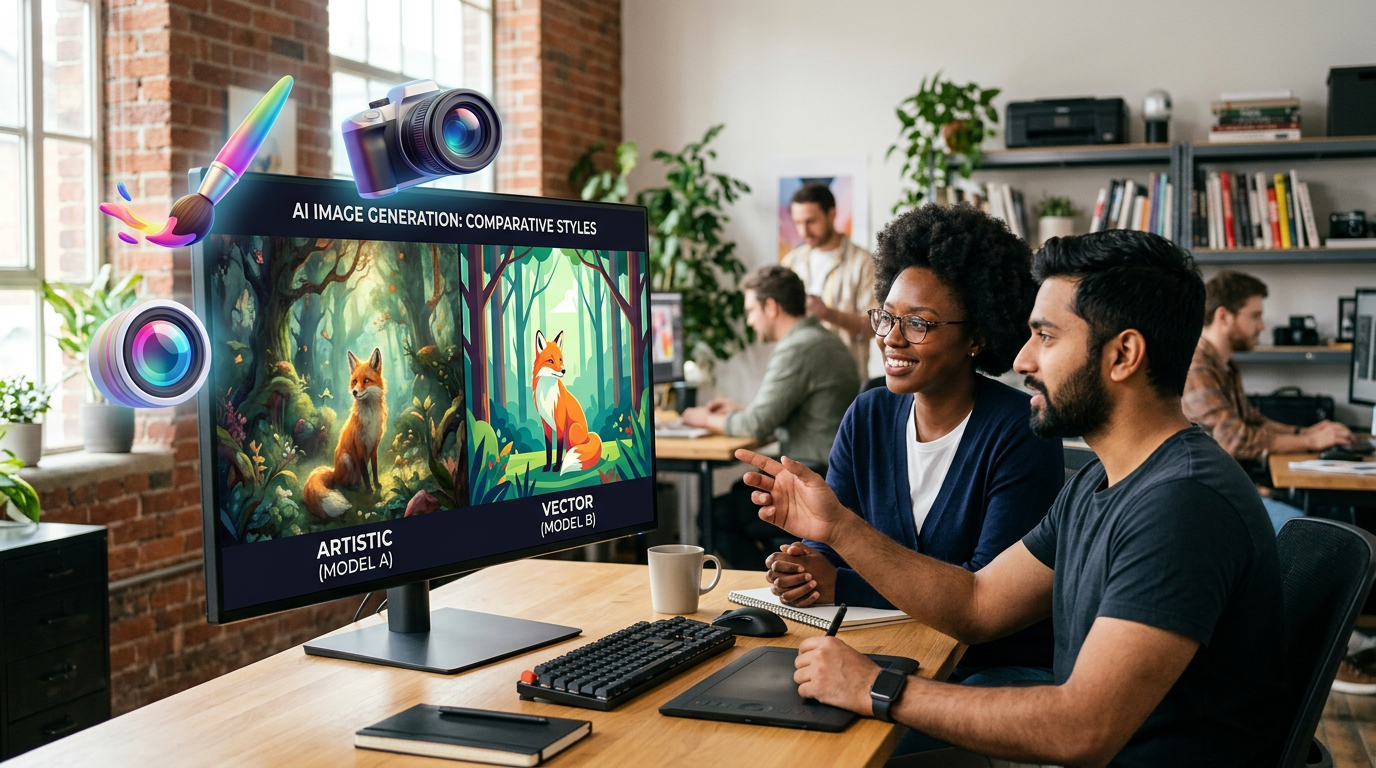
Prefer watching? Check out the video summary below.
By Sapumal Herath · Owner & Blogger, AI Buzz · Last updated: March 1, 2026 · Difficulty: Beginner
You’ve seen the images: stunning landscapes, futuristic product mockups, and… people with seven fingers. 🖐️
AI image generation has moved from a fun toy to a serious business tool. Marketers use it for social posts, designers for storyboards, and founders for pitch decks.
But how do you get good results without wasting hours? And how do you use these tools without stealing art or creating legal headaches?
This beginner-friendly guide explains the top 3 tools, the secret formula for image prompting, and the safety guardrails you need to know.
🎯 The Top 3 Tools (Which one is for you?)
1) DALL-E 3 (Inside ChatGPT)
- Best for: Beginners, brainstorming, and exact instruction following.
- Pros: You talk to it like a human. It puts text in images correctly (mostly).
- Cons: Has a specific “smooth/digital” look that can feel generic.
2) Midjourney
- Best for: High-end artistic quality, photorealism, and branding.
- Pros: Stunning aesthetics. The “best looking” output by far.
- Cons: Harder to use (runs inside Discord or a complex web UI).
3) Adobe Firefly
- Best for: Enterprise safety and integration.
- Pros: Trained on Adobe Stock (safe for commercial use). Built right into Photoshop.
- Cons: Sometimes less “imaginative” than Midjourney.
🖌️ The Image Prompting Formula
Talking to an image model is different from talking to a chatbot. Don’t just say “A cat.” Use this structure:
[Subject] + [Action/Context] + [Art Style] + [Lighting/Mood] + [Tech Specs]
Bad Prompt: “A futuristic city.”
Good Prompt: “A futuristic eco-city with hanging gardens [Subject], busy with flying cars [Action], cyberpunk anime style [Style], neon sunset lighting [Mood], 4k resolution, wide angle [Specs].”
⚠️ The Careful Areas (Safety & Ethics)
1) Copyright & Ownership
The Rule: generally, you cannot copyright raw AI-generated images. You don’t “own” them like a photo you took. Treat them as public domain assets or placeholders.
2) Deepfakes & Real People
The Rule: Never generate images of real people, politicians, or colleagues without explicit consent. Most tools block this, but “close enough” likenesses are a major ethical risk.
3) Brand Safety & Stereotypes
The Rule: AI models can be biased (e.g., showing only men as doctors). Always review outputs for representation before publishing.
✅ Practical Use Cases for Teams
- Storyboarding: Visualize a video or ad campaign before shooting.
- Mood Boards: Generate 20 style ideas for a rebrand in minutes.
- Presentation Assets: Create custom icons or backgrounds for slides.
- Mockups: Put your logo on a coffee cup or t-shirt instantly.
🧭 Your “Start Small” Roadmap
- Start with DALL-E: Use it to make a slide background. Practice describing what you want.
- Try Adobe Firefly: Use the “Generative Fill” to add an object to a photo you already own.
- Advance to Midjourney: If you need “agency-quality” visuals for a mood board.
🔗 Keep exploring on AI Buzz
🏁 Conclusion
AI image generation isn’t about replacing artists; it’s about communicating ideas faster.
Use it for drafts, concepts, and internal visuals. For final brand assets, keep a human designer in the loop to ensure quality and ownership.


Leave a Reply